English

Touchscreen
A touchscreen is an electronic visual display that a user can control through simple or multi-touch gestures…
Reads at Pre-K Listens at Pre-K–1
Print & create
Answer keys·No prep·Free with an account
28 worksheets · answer keys · full story · quiz · Ages 3-5 · CEFR A1
Plus adds 279,000+ more stories in 27 languages, audio for every one, and printables for all of them.
Just want Touchscreen?
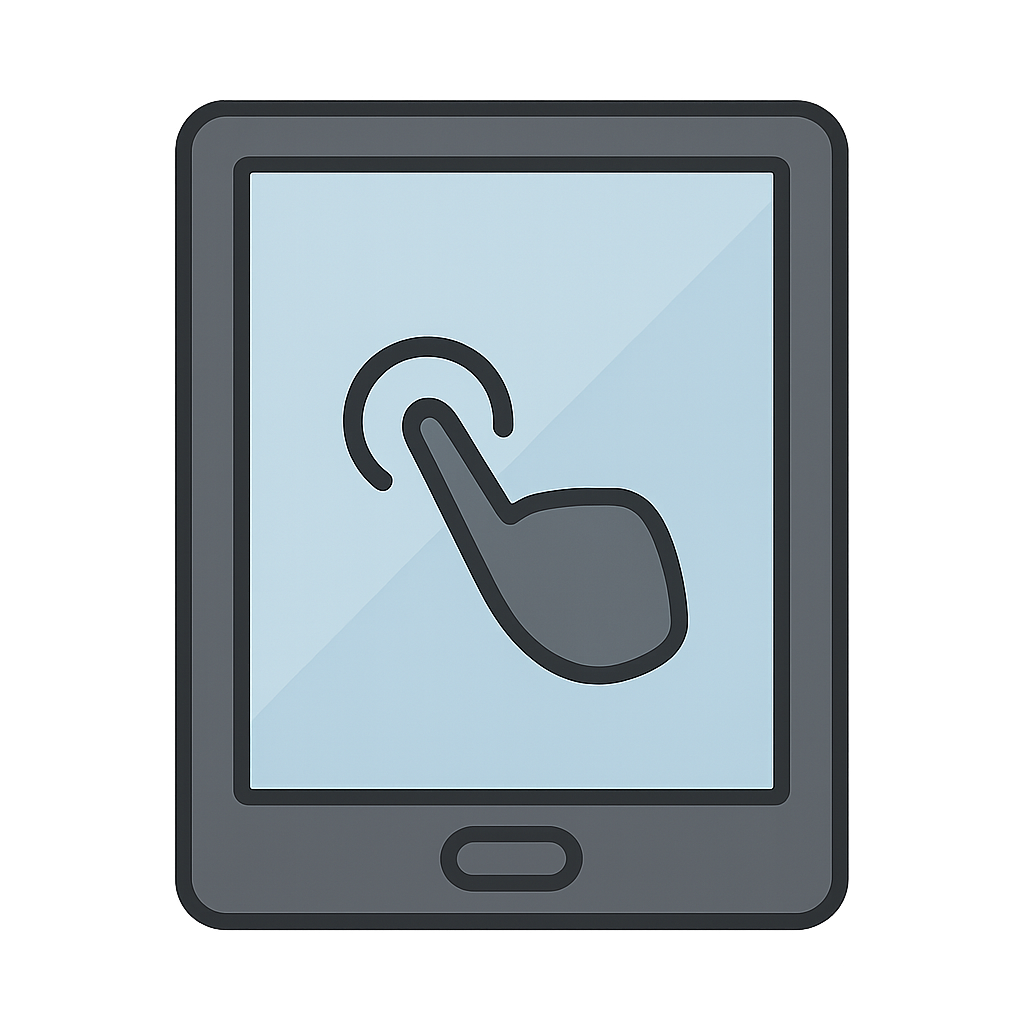
Hello. I am a touchscreen. I am a very special, magical screen. Other screens are just for looking, but I love it when you touch me. It makes me happy. When your little finger taps on me, I can make a picture dance and sing. Swish. Swipe. A new game can start. It feels like magic. I can show you colorful shapes and funny animals. It is so much fun to play together. A long time ago, things were not so easy. People had to push lots of clunky buttons. But I helped change all of that with a simple, gentle touch.
My story began a long, long time ago, back in the 1960s. A very clever man named E. A. Johnson had a big, bright idea. He saw people using computers with so many clunky buttons. Click, clack, click. It was a lot of work to tell the computer what to do. He thought, 'Wouldn't it be wonderful and so much easier if people could just talk to computers by touching the screen?'. So, he dreamed of a screen that could feel. He worked very hard and on October 24th, 1967, I was born from his amazing idea. I was a screen that could feel a fingertip. When a finger gently touched me, I knew exactly what it wanted to do. It was like a little bit of magic. I was so proud to be his big idea and so excited to help people play and work in a brand new, fun way.
At first, I was just a simple idea. But soon, I started to grow up. I began to appear in new places, making new friends. You can find me on phones that fit in your pocket and on big tablets for playing games. With a little tap, you can draw colorful rainbows and silly monsters. With a swipe, you can watch your favorite cartoons. You can even use me to see and talk to grandparents who live far, far away. I love helping you learn your letters, play fun games, and connect with your family. I am so happy that I can bring the whole world to your fingertips with just a simple touch.
A Touch of Magic
Hello. I am a touchscreen. I am a very special, magical screen. Other screens are just for looking, but I love it when you touch me. It makes me happy. When your little finger taps on me, I can make a picture dance and sing. Swish. Swipe. A new game can start. It feels like magic. I can show you colorful shapes and funny animals. It is so much fun to play together. A long time ago, things were not so easy. People had to push lots of clunky buttons. But I helped change all of that with a simple, gentle touch.
My story began a long, long time ago, back in the 1960s. A very clever man named E. A. Johnson had a big, bright idea. He saw people using computers with so many clunky buttons. Click, clack, click. It was a lot of work to tell the computer what to do. He thought, 'Wouldn't it be wonderful and so much easier if people could just talk to computers by touching the screen?'. So, he dreamed of a screen that could feel. He worked very hard and on October 24th, 1967, I was born from his amazing idea. I was a screen that could feel a fingertip. When a finger gently touched me, I knew exactly what it wanted to do. It was like a little bit of magic. I was so proud to be his big idea and so excited to help people play and work in a brand new, fun way.
At first, I was just a simple idea. But soon, I started to grow up. I began to appear in new places, making new friends. You can find me on phones that fit in your pocket and on big tablets for playing games. With a little tap, you can draw colorful rainbows and silly monsters. With a swipe, you can watch your favorite cartoons. You can even use me to see and talk to grandparents who live far, far away. I love helping you learn your letters, play fun games, and connect with your family. I am so happy that I can bring the whole world to your fingertips with just a simple touch.
Wow facts
About
A touchscreen is an electronic visual display that a user can control through simple or multi-touch gestures by touching the screen with one or more fingers.
Take a Quiz
Question 1 of 3
Who had the big idea for me?
Explore next





Want to do even more?
Go beyond exploring. Unlock tools that turn every story into real learning.
Storypie Plus for families
Full stories, quizzes, and printables. Nights and car rides, sorted.
- Unlimited audio stories
- Create Mode: your child stars in the story
- Offline downloads
- Printable worksheets & coloring pages
Why Storypie for Schools
Students engaged. Prep in seconds. Evenings back to you.
- Worksheets & Quizzes
- Classroom Management
- Formative Assessment
- Custom Curriculum & Lesson Plans
- 27 Languages
Why Storypie for Homeschool
Curriculum done. They'll ask for more. Hours back in your day.
- Worksheet Generator
- First-Person Audio Stories
- Built-in Comprehension Quizzes
- Custom Curriculum & Lesson Plans
- Print & Go Activities