English

Touchscreen
A touchscreen is an electronic visual display that a user can control through simple or multi-touch gestures…
Reads at Grades K-2 Listens at K–3
Print & create
Answer keys·No prep·Free with an account
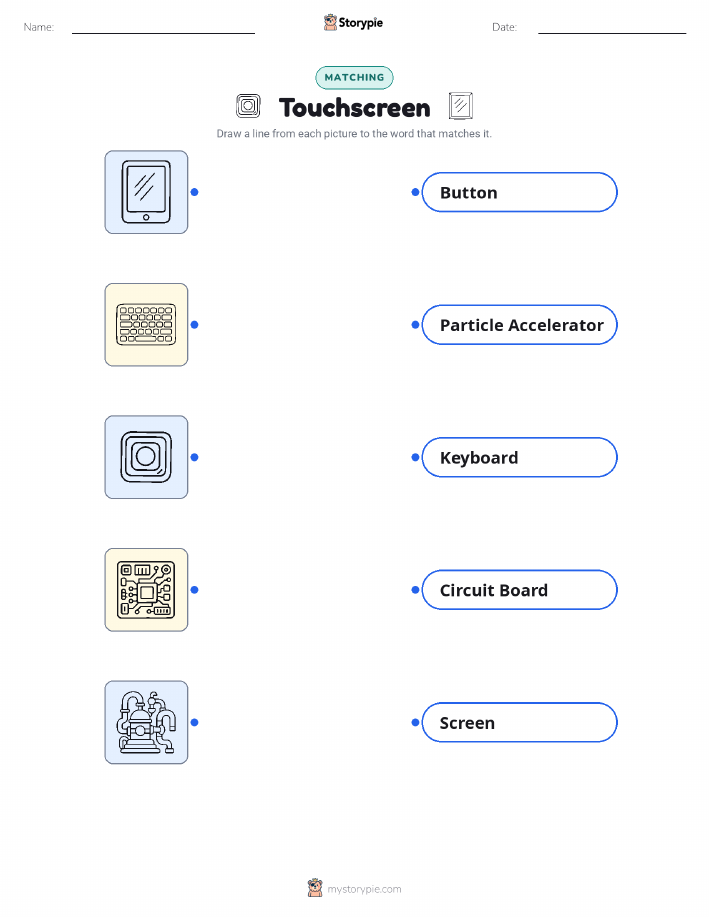
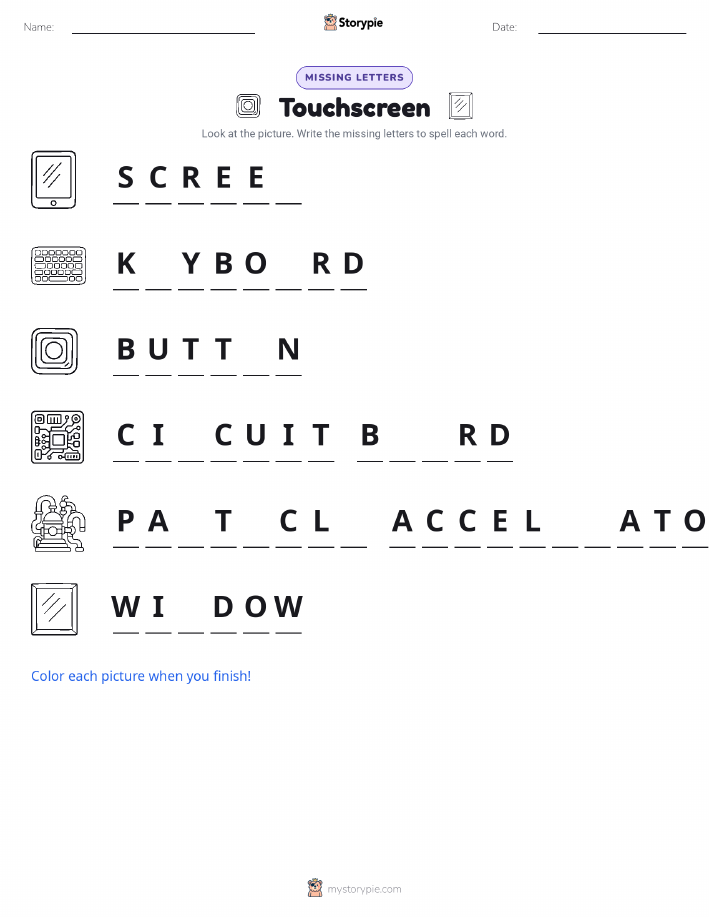
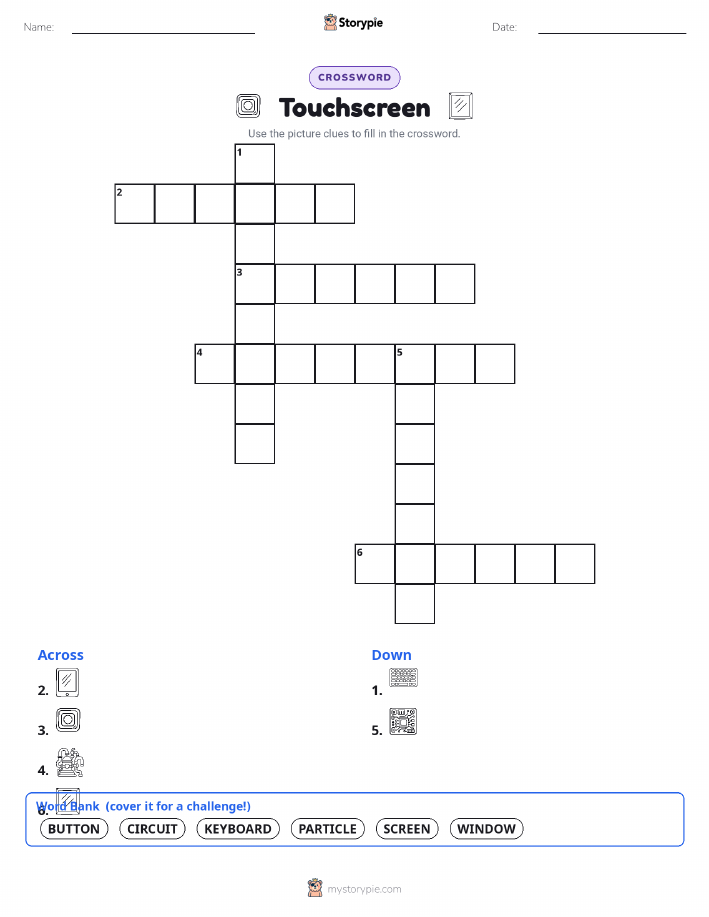
28 worksheets · answer keys · full story · quiz · Ages 6-8 · CEFR A2
Plus adds 279,000+ more stories in 27 languages, audio for every one, and printables for all of them.
Just want Touchscreen?
Hello. I am the Touchscreen. You probably see me every day on phones, tablets, and even in cars. Before I came along, the world was full of clunky keyboards and lots of confusing buttons. To tell a computer what to do, you had to click, click, click or push lots of little squares. It could be very slow and tricky. I was imagined to make things much simpler. I wanted to create a world where you could talk to a computer just by pointing at what you wanted. I dreamed of making machines feel friendly and easy to use, solving the problem of all those complicated buttons with a simple, magical touch.
My story began a long time ago, in the 1960s, with a very clever inventor from England named E.A. Johnson. He was the first person who dreamed me up. His first version of me was simple and could only feel one touch at a time, but it was a start. It was like I was a baby, just learning to feel the world. Then, in the 1970s, I grew up a little at a very smart place called CERN, where scientists study tiny things that make up the whole universe. Two scientists there, named Frank Beck and Bent Stumpe, needed a better way to control their big machines. They helped me become clear, like glass, so you could see pictures right through me. They made it so I could understand many touches at once. Do you wonder how I work? It’s like a secret handshake. Your fingers have a tiny bit of natural magic in them, like a little spark you can’t see. When you touch my screen, I feel that spark and I know exactly where your finger is. I then tell the phone or tablet what you want it to do, whether it's opening a game or drawing a picture.
The Story of the Touchscreen
Hello. I am the Touchscreen. You probably see me every day on phones, tablets, and even in cars. Before I came along, the world was full of clunky keyboards and lots of confusing buttons. To tell a computer what to do, you had to click, click, click or push lots of little squares. It could be very slow and tricky. I was imagined to make things much simpler. I wanted to create a world where you could talk to a computer just by pointing at what you wanted. I dreamed of making machines feel friendly and easy to use, solving the problem of all those complicated buttons with a simple, magical touch.
My story began a long time ago, in the 1960s, with a very clever inventor from England named E.A. Johnson. He was the first person who dreamed me up. His first version of me was simple and could only feel one touch at a time, but it was a start. It was like I was a baby, just learning to feel the world. Then, in the 1970s, I grew up a little at a very smart place called CERN, where scientists study tiny things that make up the whole universe. Two scientists there, named Frank Beck and Bent Stumpe, needed a better way to control their big machines. They helped me become clear, like glass, so you could see pictures right through me. They made it so I could understand many touches at once. Do you wonder how I work? It’s like a secret handshake. Your fingers have a tiny bit of natural magic in them, like a little spark you can’t see. When you touch my screen, I feel that spark and I know exactly where your finger is. I then tell the phone or tablet what you want it to do, whether it's opening a game or drawing a picture.
For many years, I mostly helped scientists with their important work. But then, around the year 2007, something wonderful happened. I was finally ready to go out into the big world. I was placed inside shiny new smartphones and tablets that fit right in your pocket or backpack. I was so excited. Suddenly, I was helping everyone, not just scientists. With a quick swipe, you could look at photos of your family. With a gentle tap, you could play fun games with bright colors and silly sounds. You could even use two fingers to pinch a map and make the whole world look bigger or smaller. I love helping you draw, read stories, and talk to people you love who are far away. Every time you use me, remember the clever people who helped bring me to life. I am here to help you learn, create, and connect with the world, all with a simple touch.
Wow facts
About
A touchscreen is an electronic visual display that a user can control through simple or multi-touch gestures by touching the screen with one or more fingers.
Take a Quiz
Question 1 of 4
Who was the first person to invent the touchscreen in the 1960s?
Explore next





Want to do even more?
Go beyond exploring. Unlock tools that turn every story into real learning.
Storypie Plus for families
Full stories, quizzes, and printables. Nights and car rides, sorted.
- Unlimited audio stories
- Create Mode: your child stars in the story
- Offline downloads
- Printable worksheets & coloring pages

Why Storypie for Schools
Students engaged. Prep in seconds. Evenings back to you.
- Worksheets & Quizzes
- Classroom Management
- Formative Assessment
- Custom Curriculum & Lesson Plans
- 27 Languages

Why Storypie for Homeschool
Curriculum done. They'll ask for more. Hours back in your day.
- Worksheet Generator
- First-Person Audio Stories
- Built-in Comprehension Quizzes
- Custom Curriculum & Lesson Plans
- Print & Go Activities