English

Touchscreen
A touchscreen is an electronic visual display that a user can control through simple or multi-touch gestures…
Reads at Grades 3–5 Listens at Grades 1–5
Print & create
Answer keys·No prep·Free with an account
28 worksheets · answer keys · full story · quiz · Ages 8-10 · CEFR B1
Plus adds 279,000+ more stories in 27 languages, audio for every one, and printables for all of them.
Just want Touchscreen?
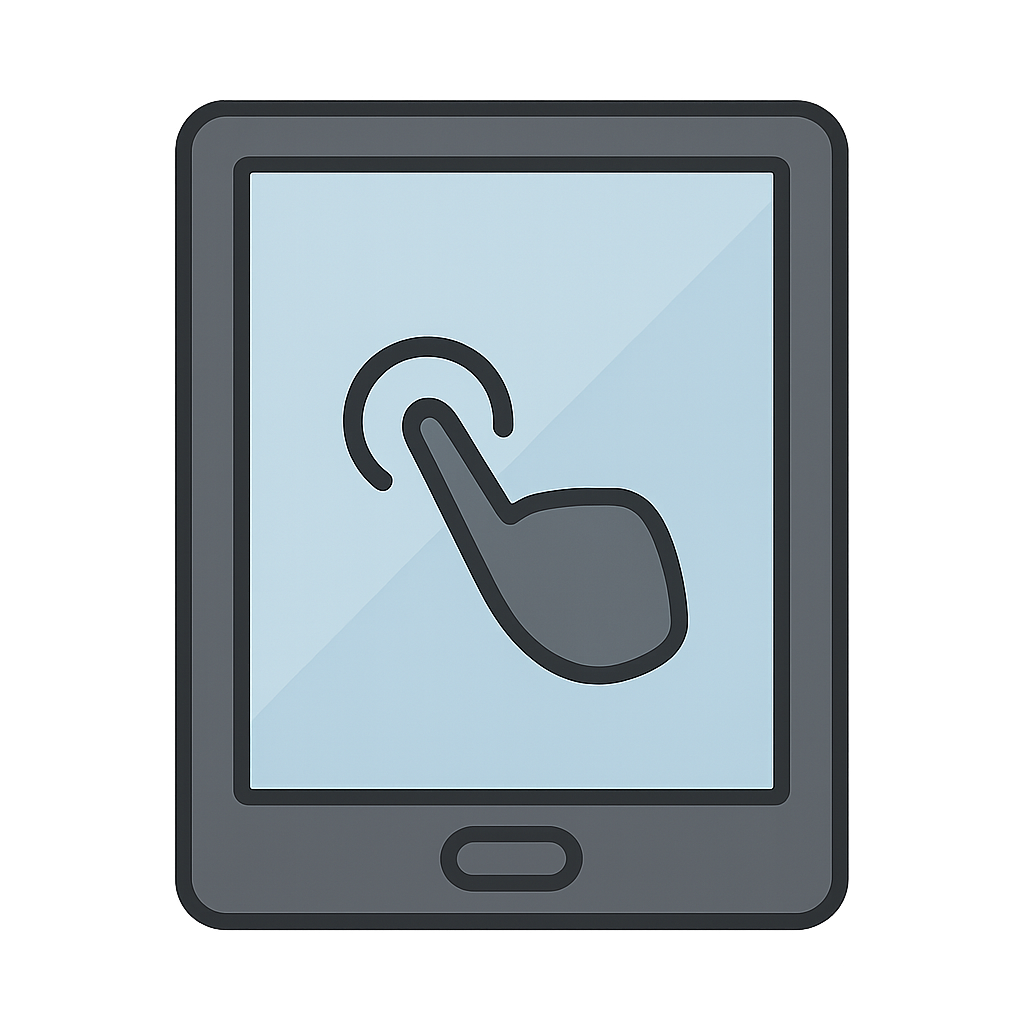
Hello there. You might not know my name, but you see me everywhere. I am the friendly, magical screen on your phone, the bright window on your tablet, and even the helpful map in your family’s car. I am the Touchscreen. Before I came along, the world of computers was a noisy place full of clicks and clacks. People could only talk to machines by tapping on keyboards or pushing a little mouse around. It worked, but I always dreamed of something more. I imagined a world where you didn’t need any tools to share your ideas with a computer. What if you could just reach out and touch them? What if you could draw a picture with your finger, zoom into a map by pinching your fingertips together, or swipe through photos of your favorite memories? I wanted to close the gap between your world and the digital world, to become a window you could not only look through, but also touch.
My first spark of life came from a very clever engineer named Eric Arthur Johnson. He was working in England during the 1960s, a time of big ideas and exciting new machines. He spent his days with air traffic controllers, the people who guide airplanes safely through the sky. Their job was incredibly important and very fast. They had to tell their computers what to do in an instant, but the keyboards were slowing them down. Eric watched them and had a brilliant thought in 1965. 'What if,' he wondered, 'the screen itself could feel a fingertip?'. It was a question that would change everything. He went to work, layering invisible, conductive materials over a screen. It was like creating a secret, electric skin. When a person’s finger, which has its own tiny bit of electricity, came close, I could feel it. I knew exactly where it was touching. That was the moment I was born, the very first version of me, ready to help those busy controllers guide planes with a simple, quick touch. It was a quiet beginning, but I knew it was the start of something amazing.
The Window You Can Touch
Hello there. You might not know my name, but you see me everywhere. I am the friendly, magical screen on your phone, the bright window on your tablet, and even the helpful map in your family’s car. I am the Touchscreen. Before I came along, the world of computers was a noisy place full of clicks and clacks. People could only talk to machines by tapping on keyboards or pushing a little mouse around. It worked, but I always dreamed of something more. I imagined a world where you didn’t need any tools to share your ideas with a computer. What if you could just reach out and touch them? What if you could draw a picture with your finger, zoom into a map by pinching your fingertips together, or swipe through photos of your favorite memories? I wanted to close the gap between your world and the digital world, to become a window you could not only look through, but also touch.
My first spark of life came from a very clever engineer named Eric Arthur Johnson. He was working in England during the 1960s, a time of big ideas and exciting new machines. He spent his days with air traffic controllers, the people who guide airplanes safely through the sky. Their job was incredibly important and very fast. They had to tell their computers what to do in an instant, but the keyboards were slowing them down. Eric watched them and had a brilliant thought in 1965. 'What if,' he wondered, 'the screen itself could feel a fingertip?'. It was a question that would change everything. He went to work, layering invisible, conductive materials over a screen. It was like creating a secret, electric skin. When a person’s finger, which has its own tiny bit of electricity, came close, I could feel it. I knew exactly where it was touching. That was the moment I was born, the very first version of me, ready to help those busy controllers guide planes with a simple, quick touch. It was a quiet beginning, but I knew it was the start of something amazing.
After my first appearance, I began to grow and learn new things, just like you do. Other smart people saw what I could do and wanted to make me even better. In the 1970s, a scientist named Dr. Samuel Hurst invented a different version of me that was even more sensitive. He called his invention the 'Elograph.' For a while, I was mostly found in very serious and important places. I helped scientists in their labs record data with a tap and assisted doctors in hospitals. I was useful, but I was still learning. My biggest new trick was a huge step forward. At first, I could only feel one finger at a time. But then, inventors figured out how to make me feel several touches at once. They called it 'multi-touch.' This was like learning to understand a high-five instead of just a single poke. It meant you could use two fingers to zoom in on a photo or play a piano on my screen. I was becoming more clever and much more fun.
My big moment, the time I finally got to meet everyone, arrived on a very special day: January 9th, 2007. That was when the first iPhone was shown to the world, and I was right there on the front. Suddenly, I wasn't just in labs or control towers; I was in people's hands. I helped you swipe through photos of your family, draw silly pictures to make your friends laugh, and video call grandparents who lived far away. I made technology feel less like a machine and more like a friend. Looking back, I am so happy that I could help bring your ideas to life with just a touch. Every time you use me to learn something new, create a piece of art, or connect with someone you love, my dream comes true. And I'm so excited to see all the new ways we'll interact in the future.
Wow facts
About
A touchscreen is an electronic visual display that a user can control through simple or multi-touch gestures by touching the screen with one or more fingers.
Take a Quiz
Question 1 of 5
The story says Eric Arthur Johnson wanted a faster way for air traffic controllers to work. In your own words, explain why speed would be so important for their job.
Explore next





Want to do even more?
Go beyond exploring. Unlock tools that turn every story into real learning.
Storypie Plus for families
Full stories, quizzes, and printables. Nights and car rides, sorted.
- Unlimited audio stories
- Create Mode: your child stars in the story
- Offline downloads
- Printable worksheets & coloring pages

Why Storypie for Schools
Students engaged. Prep in seconds. Evenings back to you.
- Worksheets & Quizzes
- Classroom Management
- Formative Assessment
- Custom Curriculum & Lesson Plans
- 27 Languages

Why Storypie for Homeschool
Curriculum done. They'll ask for more. Hours back in your day.
- Worksheet Generator
- First-Person Audio Stories
- Built-in Comprehension Quizzes
- Custom Curriculum & Lesson Plans
- Print & Go Activities