Computer for kids is a simple, friendly idea to explore with your child. Storypie tells the computer’s life, from Babbage and Ada to the bright web that links us. Start small. Tell a short story, ask a curious question, and try a tiny project tonight.
What is a computer for kids?
A computer for kids is a machine that follows steps to do work. Think of it like a kitchen. First, input is your ingredients. Next, the CPU acts like the cook. Then, memory is the counter where you keep things while you cook. Also, storage is the pantry that remembers recipes. Finally, output is the plate you share. This loop stays the same: input, process, output, and storage to remember.
Parts explained in plain words
- CPU. The brain. Tiny chips do the thinking fast.
- RAM. Short-term memory. It is quick and forgetful. In 2023, the average RAM size in new laptops increased from 8GB in 2019 to 16GB, enhancing children’s learning experiences with computers, as noted by Worldmetrics.
- Storage. Long-term memory. Photos and stories live here.
- Input. Keyboard, touchscreen, or microphone. Ways to tell the computer what to do.
- Output. Screen, speaker, or printer. Ways the computer shows the result.
- Bits and bytes. Computers speak in bits, zeros and ones. Eight bits make a byte.
What computers can do
Computers help us draw, make music, tell stories, and solve puzzles. A tablet can hold a bright sketch. A computer can stitch frames into stop-motion. For example, a smartphone can hide a tiny studio. Also, computers let children create, not just consume. The delightful blink of a screen can mean a new idea born. In fact, between 2020 and 2024, 95.5 percent of households in the United States had a computer, reflecting the accessibility of technology for children, according to U.S. Census Bureau QuickFacts.
A short history of the computer
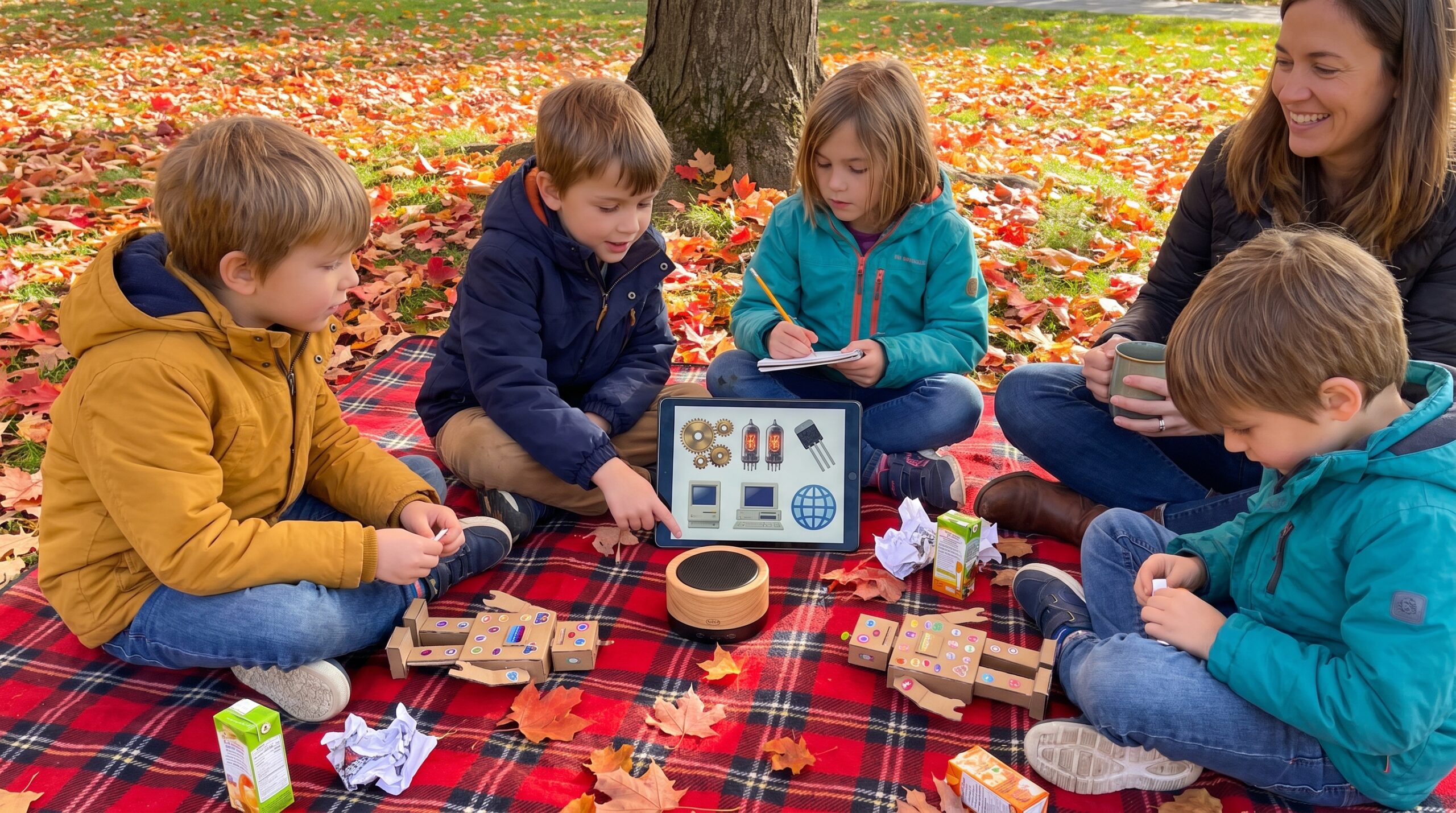
Charles Babbage and Ada Lovelace dreamed of programmable machines. Later, pioneers like Konrad Zuse and teams behind ENIAC built early devices. Then the transistor and integrated circuit made things small and cool. In time, a full brain fit on one chip. Finally, personal computers brought machines into homes. Networks grew into the internet and connected us all.
Safety, healthy use, and small projects
Set clear rules and balance screen time with outdoor play. Also, try short sessions of focused play. For example, follow the 20 20 20 tip. Every 20 minutes look 20 feet away for 20 seconds. Use strong passwords, parental controls, and keep software updated. Above all, teach children not to share personal details.
Try simple projects that build confidence. For instance, block coding, a stop-motion movie, or a tiny robot project. Visit a library, makerspace, or museum for hands-on workshops. Small projects lead to big learning. A remarkable 79.8 percent of households in the United States own a desktop or laptop computer, emphasizing the importance of ensuring access to technology for learning, according to a 2025 community assessment.
Choosing a first device
For little hands, pick a rugged tablet with parental controls and long battery life. For older kids who want to code, choose a laptop or a Raspberry Pi kit with enough RAM.
Read or listen to a story about Computer now: For 3-5 year olds, For 3-5 year olds, For 6-8 year olds, For 8-10 year olds, and For 10-12 year olds.
Tiny note to end: praise curiosity. Point to the parts inside a toy. Ask small questions. The goal is not perfection, but a warm place where a child returns again and again to try something new. If you like, get the Storypie app to play the 10-minute story and ask, “What would you build?” Get the app.