
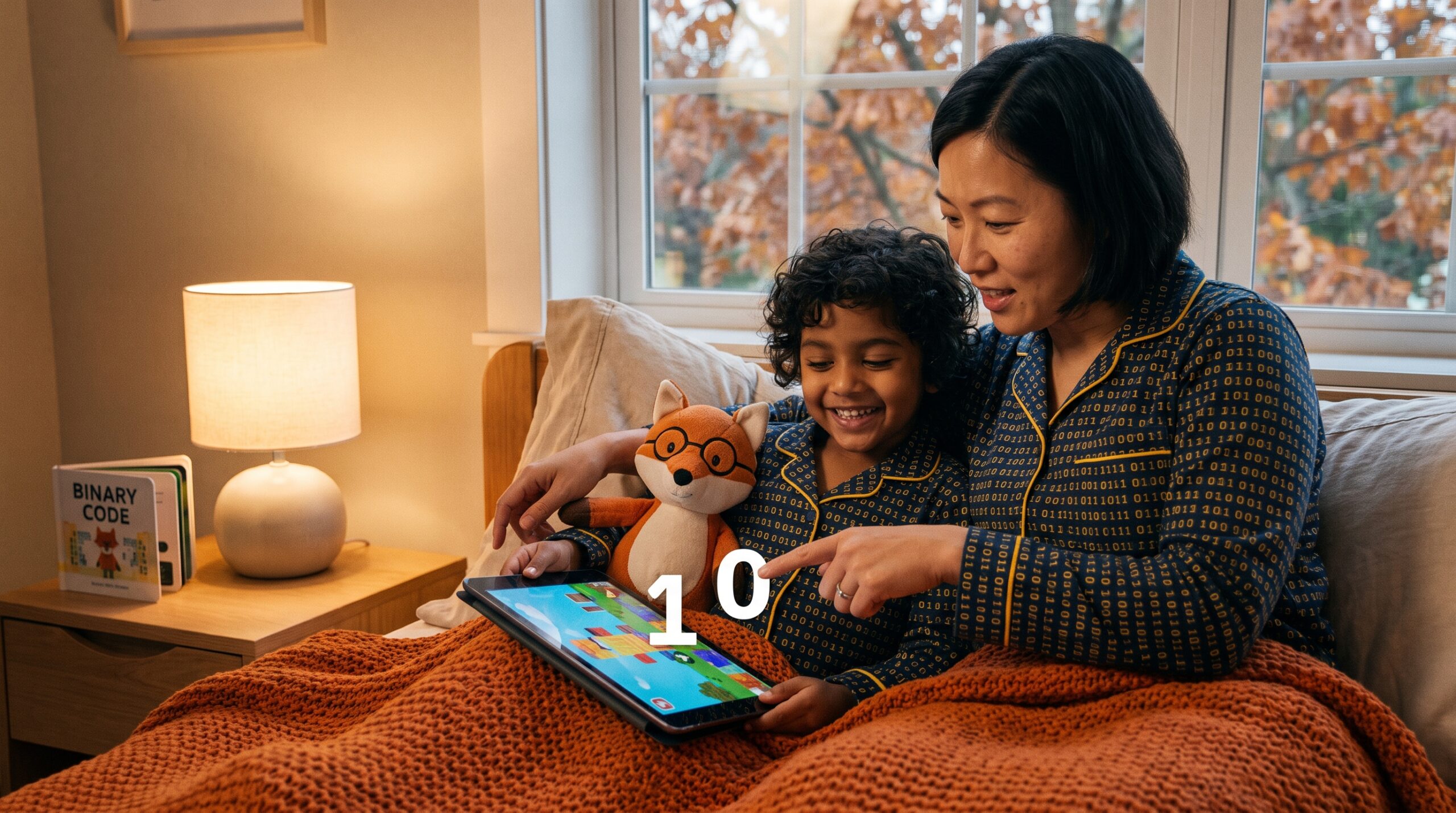
Binary Code How Computers Count
Binary Code How Computers Count can feel like a tiny brilliant trick. I tell it at bedtime. First, I say: imagine a simple light switch. It is either on or off. That on or off is the whole secret of binary.
Why computers use binary
Computers use binary because two states are easy to detect and store. For example, on/off or high/low voltage works reliably. According to HowThingsWork.dev, computers use the binary (base-2) system because their logic circuits represent information using just two states—on or off—which maps reliably to 1 and 0, even under electrical noise or manufacturing imperfections. Transistors act like tiny on/off switches. Also, logic gates follow clear rules from those switches. Because of this, machines turn 1s and 0s into choices and actions.
Short history snapshot
Leibniz wrote about this idea in 1703, but the binary number system (base-2) was actually invented by Gottfried Wilhelm Leibniz in 1689, laying the groundwork for binary code as we know it today. Then Claude Shannon showed how Boolean logic mapped to circuits in the 1930s. Later, Konrad Zuse built an early binary computer in 1941. These moments shaped how modern devices count with bits. The very first stored-program computer, the Manchester ‘Baby,’ executed its first program at 11 am on 21 June 1948, marking the first successful use of electronic memory to store and execute binary-coded instructions, as noted by Wikipedia.
Bits, bytes, and everyday examples
A bit is a single binary digit. A single binary digit—known as a bit—can take one of two values, 0 or 1; grouping eight bits into a byte allows representation of 2⁸ = 256 possible values (from 0 to 255). Eight bits make a byte. Bytes add into kilobytes and megabytes. Text, images, and sound become numbers under the hood. For instance, capital A is 65, which is 01000001 in 8-bit ASCII.
Also, images are bits too. A black-and-white picture can use one bit per pixel. Color photos often use 24 bits per pixel. Likewise, sound uses samples and bit depth. For example, CD audio uses 44.1 kHz sampling and 16-bit depth.
Binary arithmetic and patterns
Binary arithmetic is simple and playful. Add 1 plus 1 and you get 10 in binary. You carry a 1 to the next column. Counting in three bits shows a tiny light show: 000, 001, 010, 011, 100, 101, 110, 111. In binary counting, the sequence progresses as follows: 0, 1, 10, 11, 100, 101, 110, 111, 1000, and so on, illustrating how binary counting works, which is essential for understanding how computers process information, as explained by SparkFun Learn. Try it and watch patterns appear.
Quick bedtime activity
Here is a two-minute game that I love. Hold up two hands. Treat each finger as a bit: down is 0 and up is 1. Start at 0 with all fingers down. Then count up and show how fingers flip. Also, convert a small number like your child’s age into bits. Celebrate with a silly sound when you reach the age. Kids giggle every time.
A slightly bigger craft
Use two colors of beads for 0 and 1. Then spell a short name in 8-bit ASCII. It feels playful and oddly satisfying. Moreover, the craft makes binary feel friendly and hands-on.
Read or listen to a story about Binary Code (How Computers Count) now: For 3-5 year olds, For 6-8 year olds, For 8-10 year olds, and For 10-12 year olds.
Takeaway
Binary Code How Computers Count is a simple, powerful language. It is the tiny trick that lets phones, games, photos, and stories live inside a chip. Tonight, try the finger game. Then watch curiosity grow.
Find gentle Storypie listens and playful guides at Storypie to extend the wonder.